 Athens Light
Markdown editor for Mac
Open a markdown file.
Edit it. That's it.
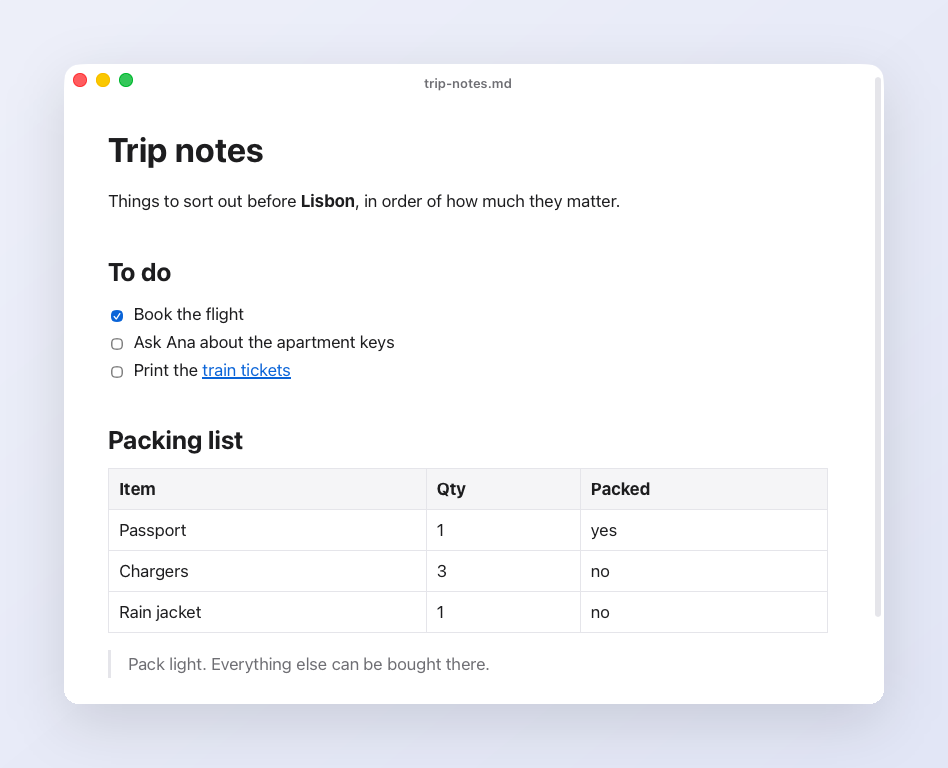
Athens Light edits .md files as rich text and saves them back to the same file. It is 3 MB, free, and open source. No vaults, no sync, no toolbar.
Apple silicon Macs only for now. The app is not notarized yet, so macOS asks you to confirm it once. After you drag it to Applications, run this:
$
xattr -dr com.apple.quarantine "/Applications/Athens Light.app"
What it does
Rich text, saved as markdownType
# , **bold** or - and it formats as you go. The file on disk stays plain markdown.Opens like any Mac appDouble-click a
.md file. Every file opens as a native macOS tab.Saves as you typeNo save button. Cmd+S forces it. A file you open and never edit is never rewritten.
Notices outside editsIf git or an agent changes the file while you are away, the window reloads it when you come back.
New file in one stepCmd+N asks for a name and opens an empty file. Click the title to rename the file on disk.
Small and fastA Rust shell (Tauri) around the system web view. 3 MB, not 150 MB. Light and dark follow your Mac.
Compare
Typora, MarkEdit, Mark Text, Obsidian and Zettlr all edit markdown on a Mac. Each costs something different: money, memory or setup. Read the comparison →
Good to know
Your first edit to a file rewrites the whole file in the editor's markdown style. Bullets, spacing and unsupported syntax such as front matter can change. Athens Light is for notes and docs, not for files where exact formatting matters.